Grouped by place, named from the map
A week of shooting comes back as a few tidy places instead of a thousand IMG_ files. Each place is named from the map, and you can rename it, star the keepers, add a note or a tag.
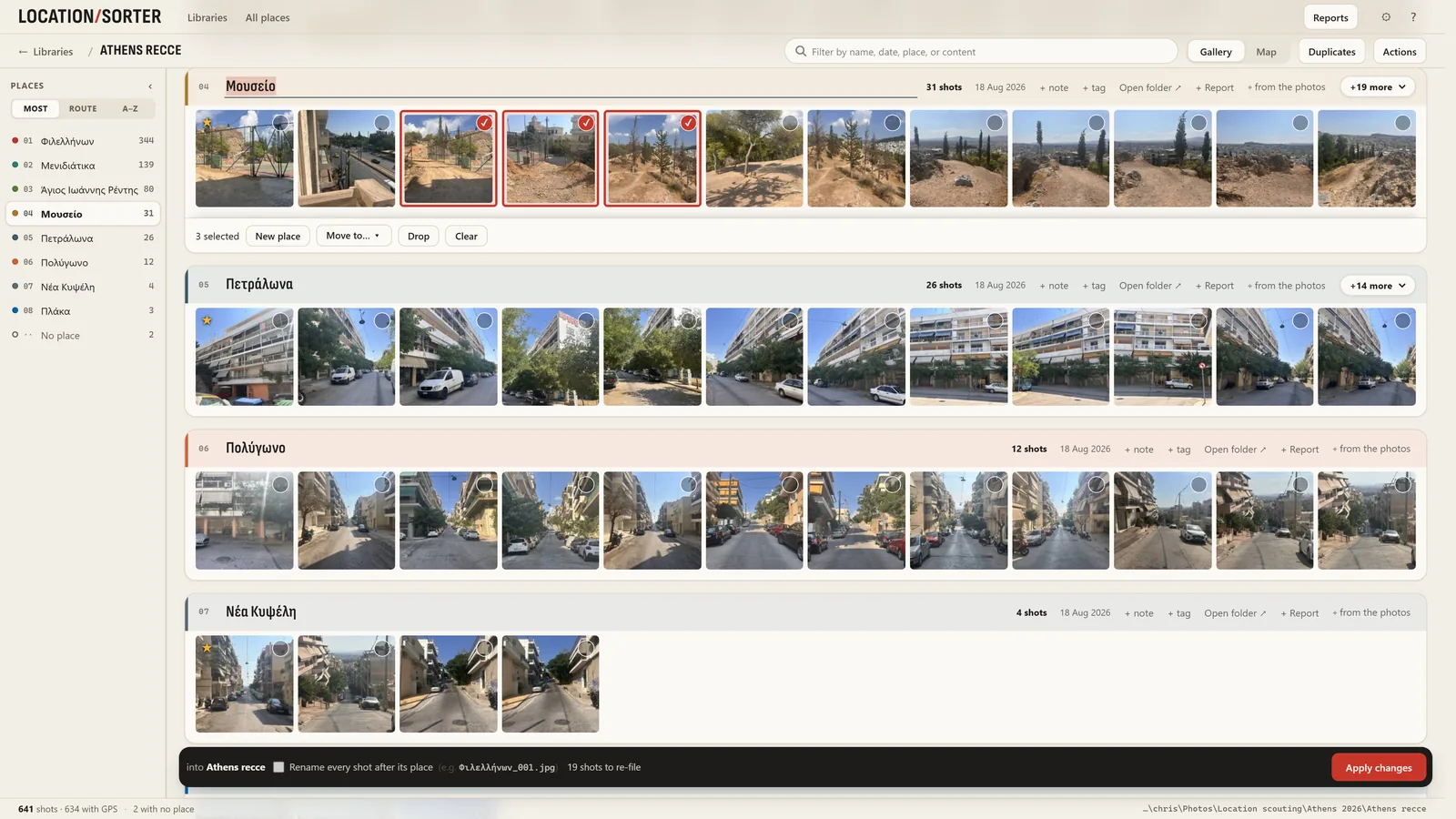
Point Location Sorter at a folder of photos from your phone or camera. It reads the GPS in every shot, groups them into places named from the map, and sorts them into one folder per place once you've checked it all on a map.
runs on your PCno accountundo any sort
Get it from Microsoft
Free for 7 days, then €24.99, once.
Windows 10 and 11.

One library, eight places, from a single day of scouting in Athens. These are its real numbers.
A week of shooting comes back as a few tidy places instead of a thousand IMG_ files. Each place is named from the map, and you can rename it, star the keepers, add a note or a tag.
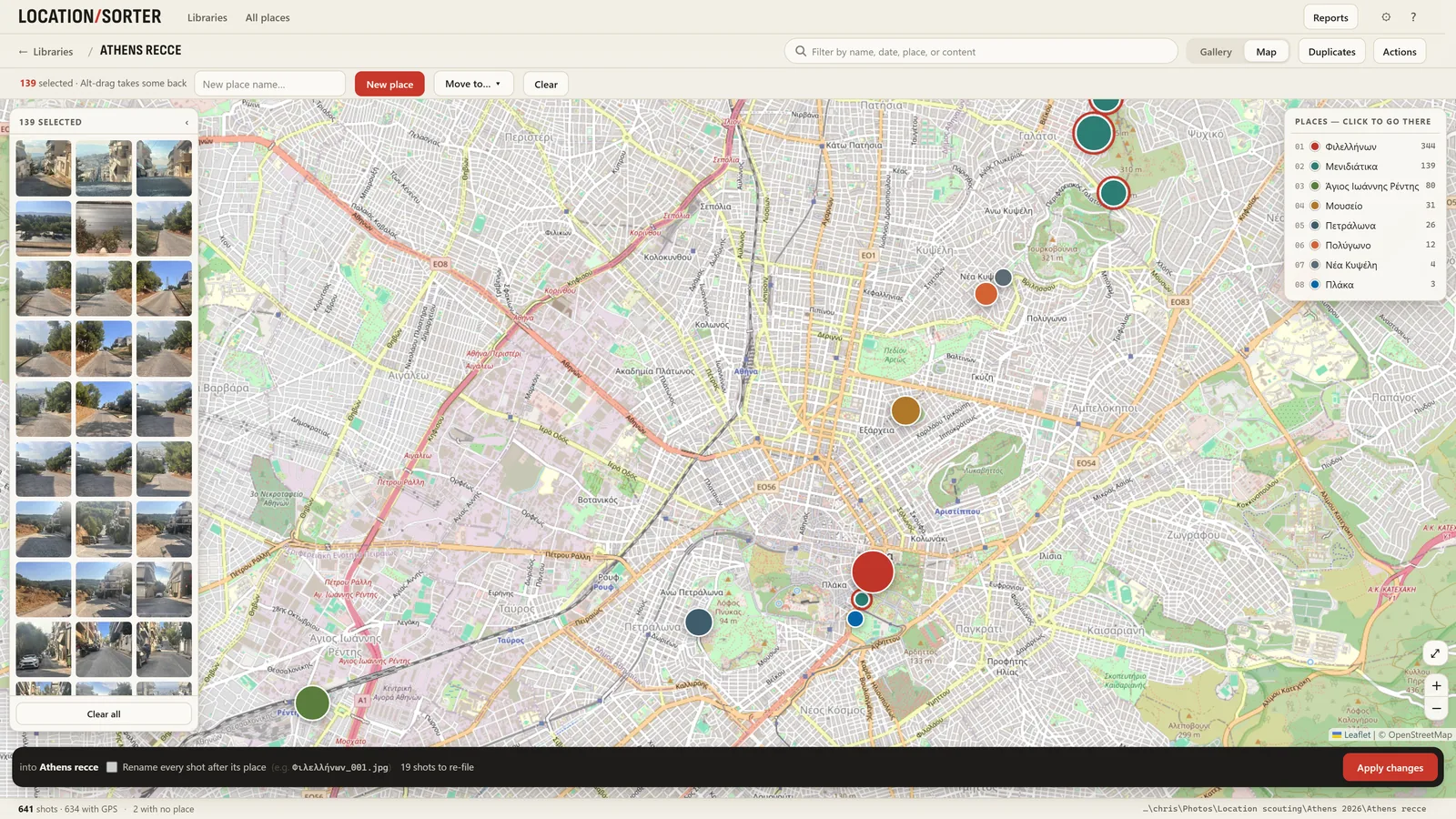
Wrong place? Lasso shots on the map and move them, or drag one into another place. Shots without GPS go to No place, and you can give them a position by hand.
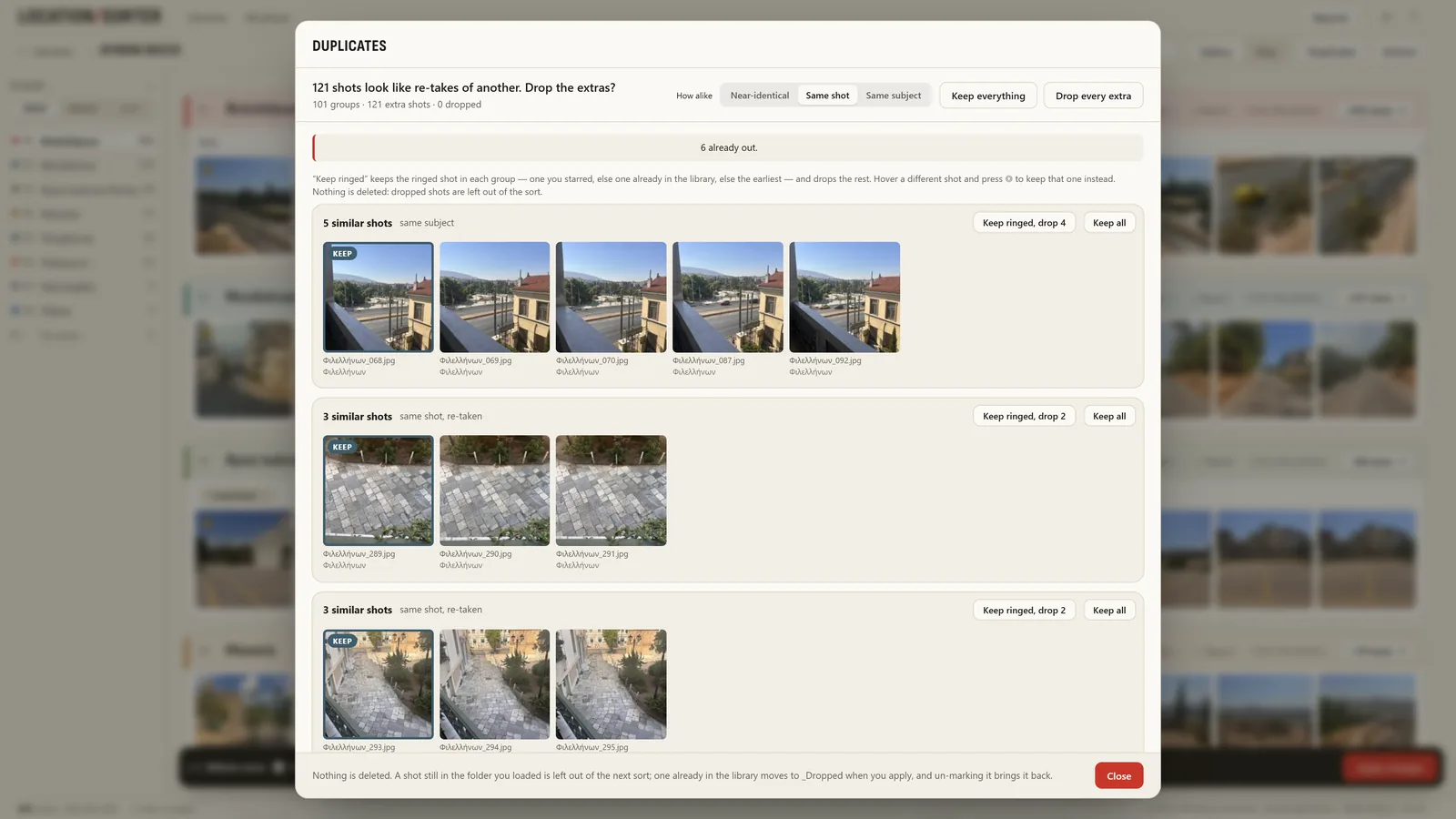
Ten frames of the same corner sit side by side. Keep the best one and leave the rest out of the sort. Nothing is ever deleted.
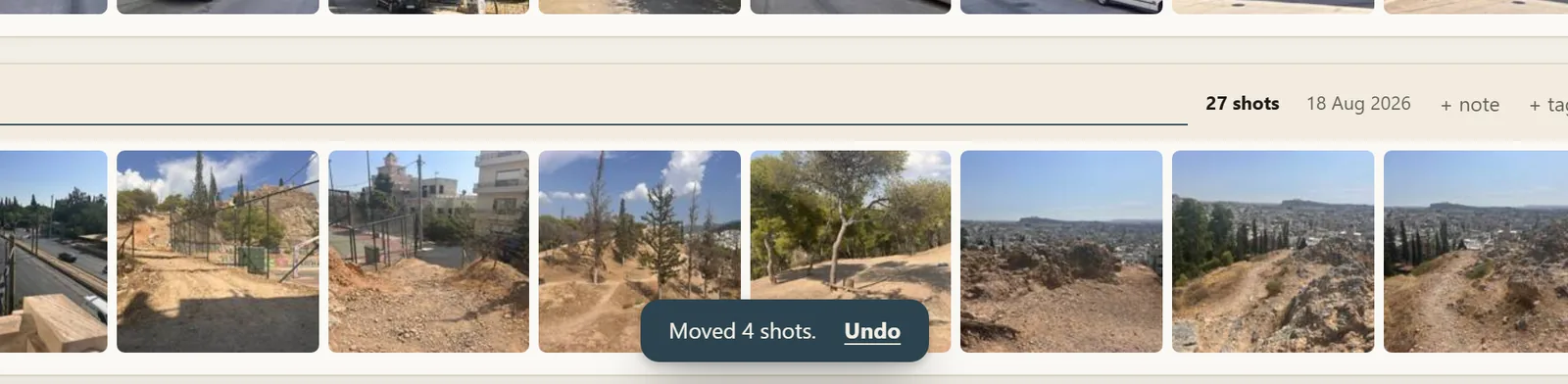
Every move, star and name is a step Ctrl+Z takes back, and nothing moves on disk until you press Apply. The bar says how many shots it will re-file. Changed your mind after a sort? Put shots back returns every moved shot to where it came from.
Sort straight from OneDrive, Dropbox, Google Drive, iCloud or Nextcloud folders on your PC. Already sorted some by hand? Bring those folders in as places and carry on from there.
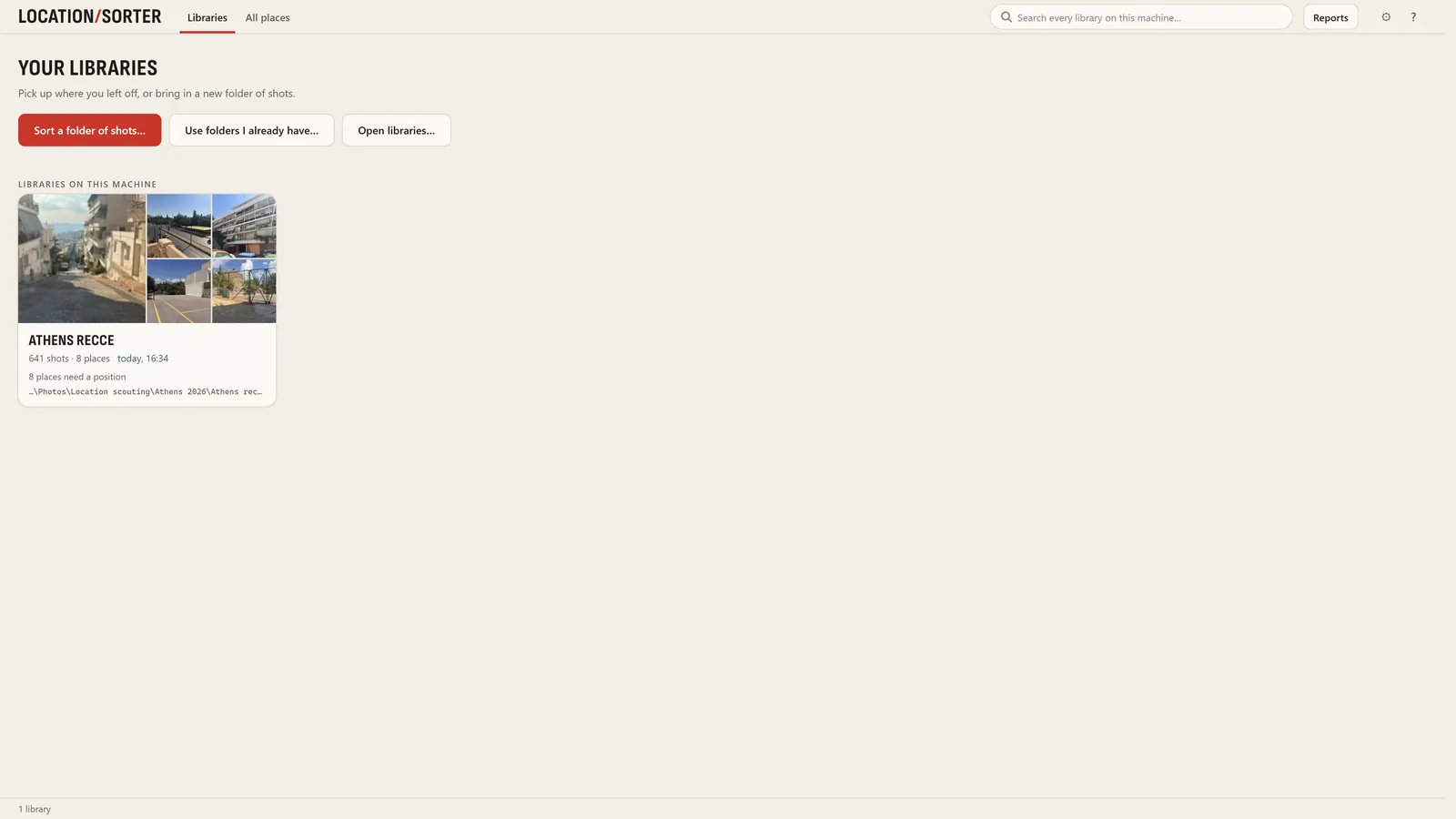
Type "balcony" or "staircase" and every library on your PC answers, by picture as well as by name, date and note. The search runs on your PC too.
Made on real recces
It began as a film scout's own tool, so what a recce needs after the shooting is already in it.
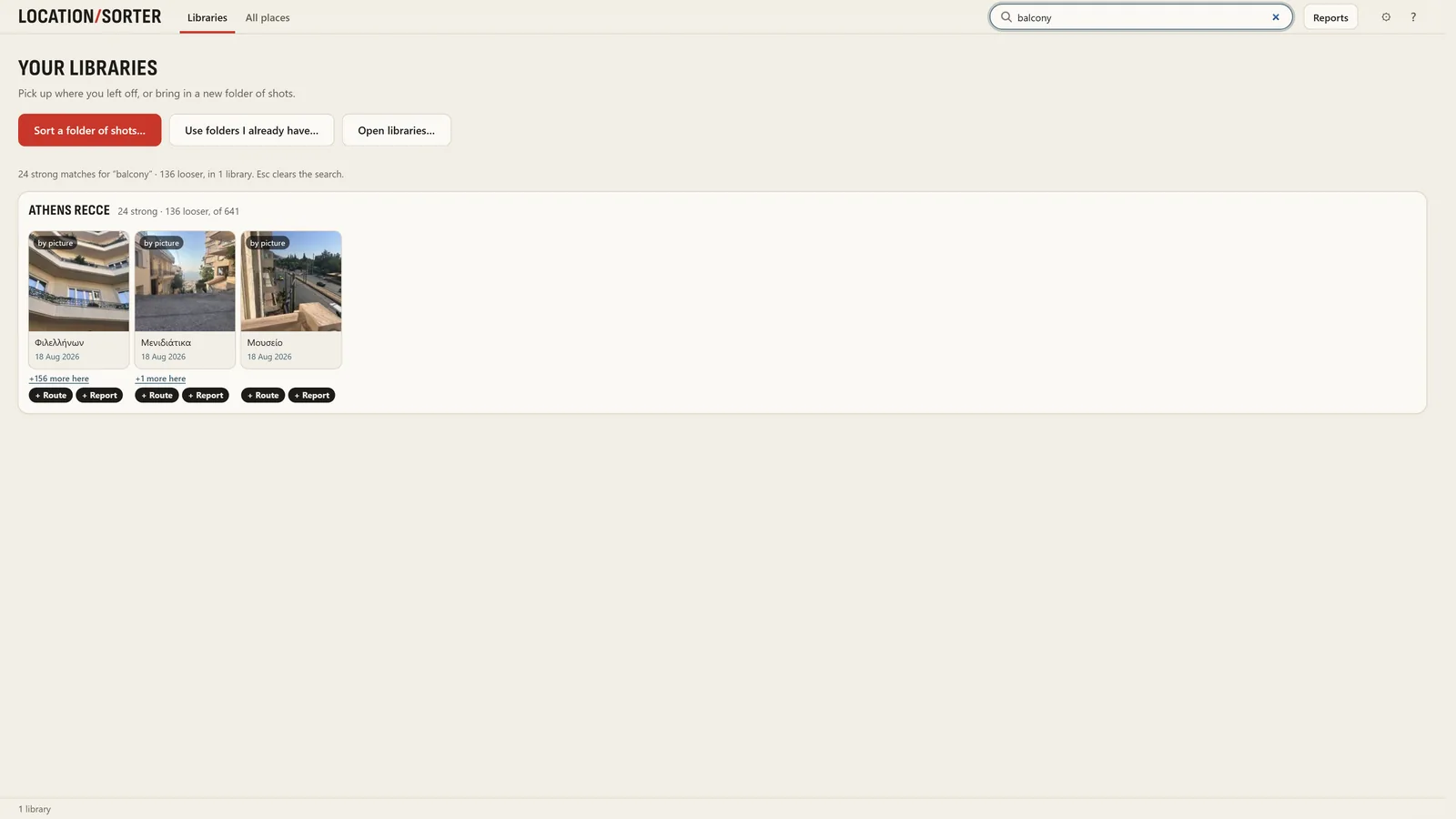
Press S on any shot to see where the sun was, and where it will be on the shoot day, any day of the year.
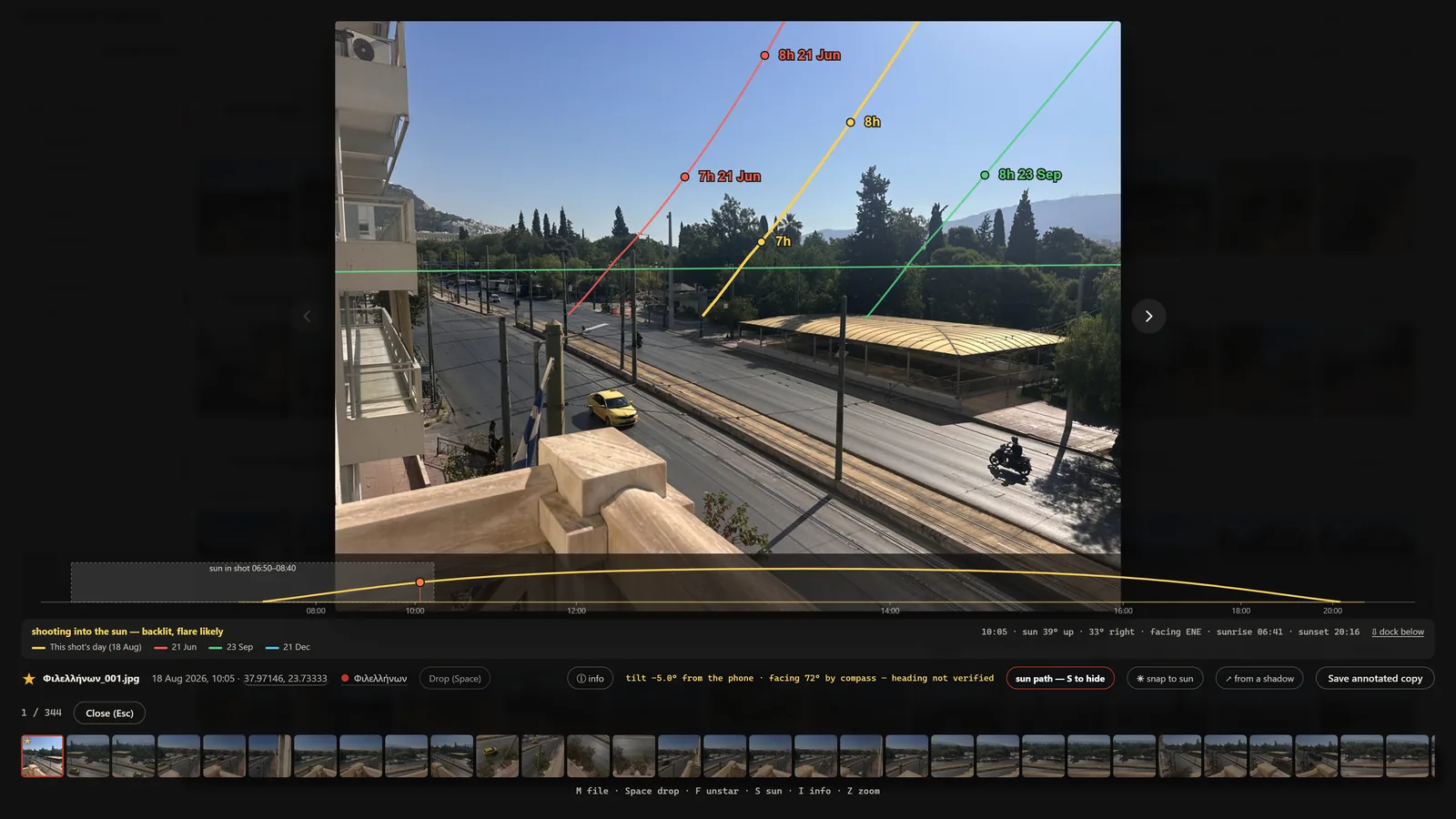
Places, a map and your picks in one file that opens in any browser, even offline. One report can hold places from several jobs.
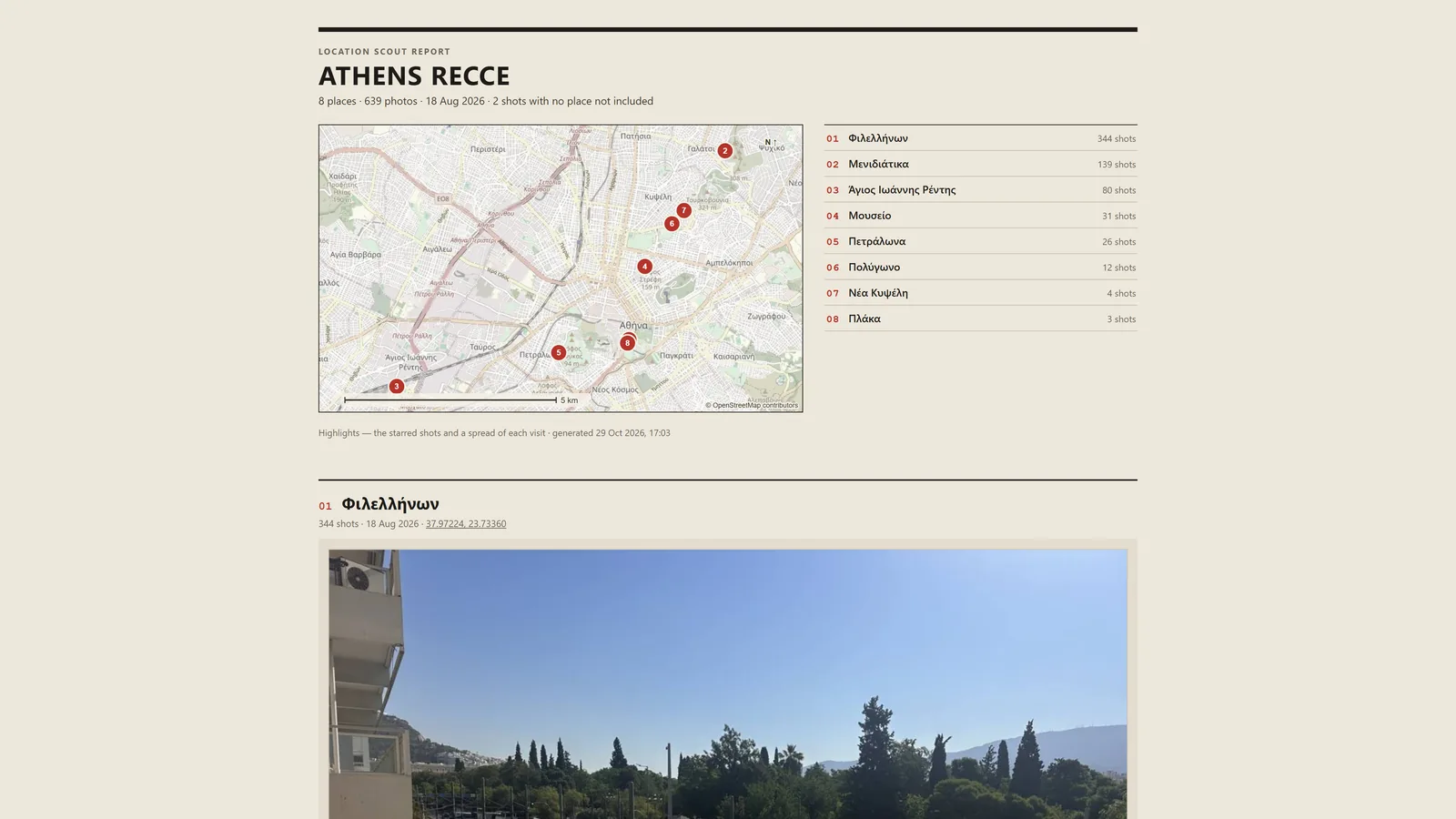
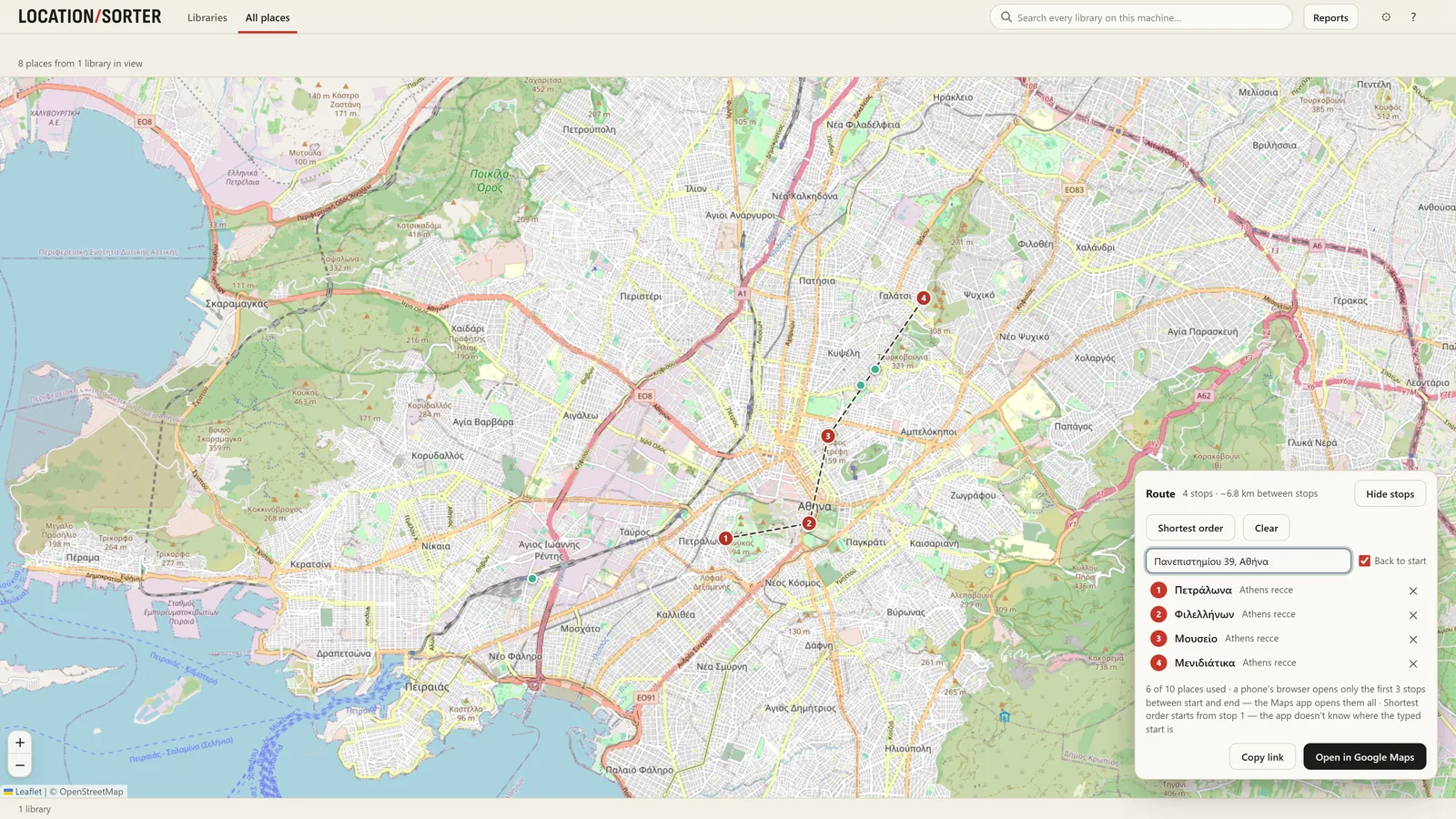
Pick places from any of your libraries, put them in the shortest order and open the drive in Google Maps.
Everything runs on your PC. There is no account, no upload, no tracking and no advertising. The app goes online only for map tiles and place names from OpenStreetMap (including a place or address you ask it to find, which may come from a folder name), and to open a route in Google Maps when you ask it to. Read the privacy policy.